Google Drive
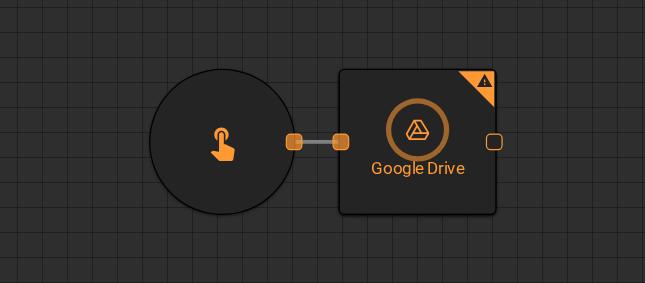
The Google Drive worker performs file operations on Google Drive and returns the result to the workflow. Use it to read, write, list, or delete files and folders directly from a Google Drive account.
Parameters
Input
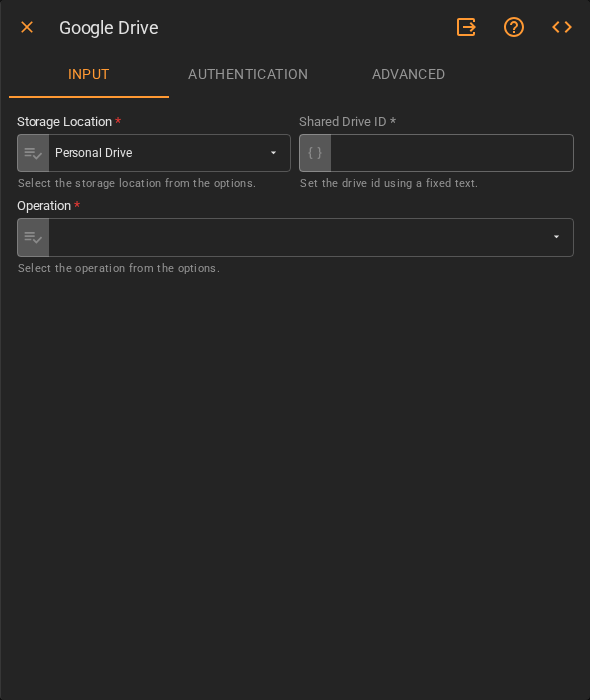
| Field | Description |
|---|---|
| Storage Location | Where to perform the operation. Accepts Fixed Select. Default is Personal Drive |
| Shared Drive ID | ID of the shared drive when using a shared storage location. Accepts Template Text or Upstream Data |
| Operation | The file operation to execute. Accepts Fixed Select |
Authentication
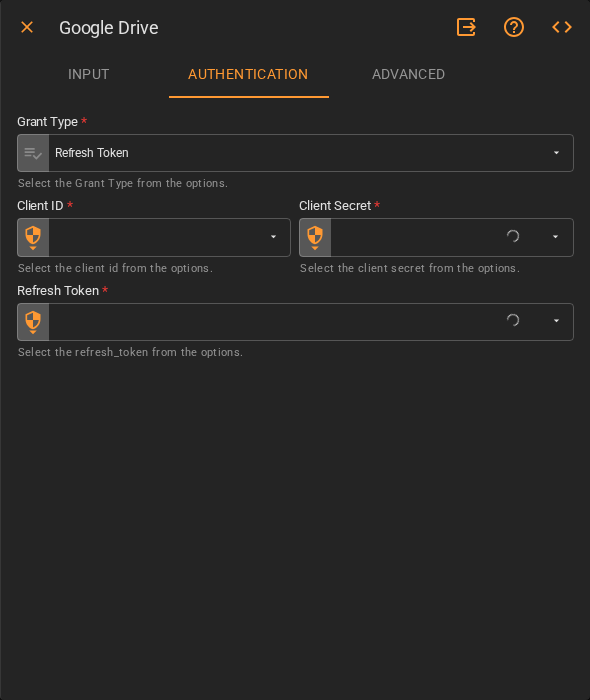
| Field | Description |
|---|---|
| Grant Type | OAuth 2.0 grant type. Accepts Fixed Select. Default is Refresh Token |
| Client ID | Google OAuth client ID. Accepts a stored secret from the platform's credential vault |
| Client Secret | Google OAuth client secret. Accepts a stored secret from the platform's credential vault |
| Refresh Token | OAuth refresh token for the Google account. Accepts a stored secret from the platform's credential vault |
Advanced
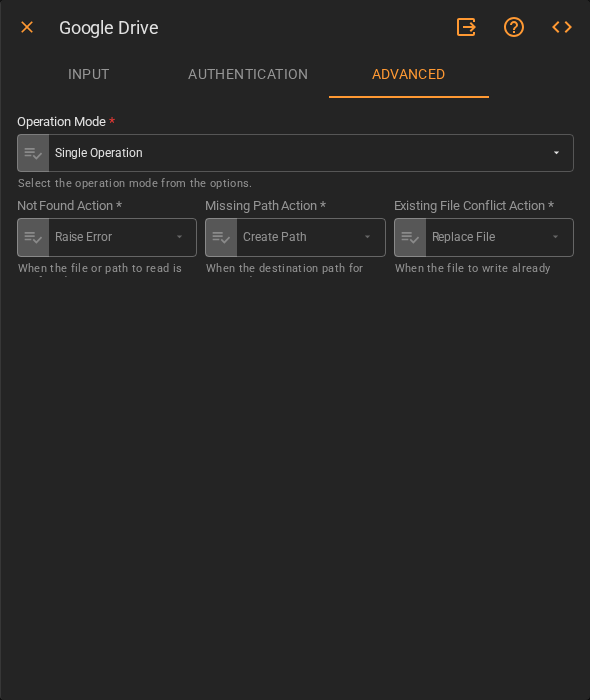
| Field | Description |
|---|---|
| Operation Mode | How the worker handles batch operations. Accepts Fixed Select. Default is Single Operation |
| Not Found Action | Behavior when the target file or path does not exist. Accepts Fixed Select. Default is Raise Error |
| Missing Path Action | Behavior when the destination path for a write operation does not exist. Accepts Fixed Select. Default is Create Path |
| Existing File Conflict Action | Behavior when a file already exists at the destination. Accepts Fixed Select. Default is Replace File |
Result
Once the worker finishes successfully, it returns the result of the operation. The output varies based on the selected Operation.