Databricks
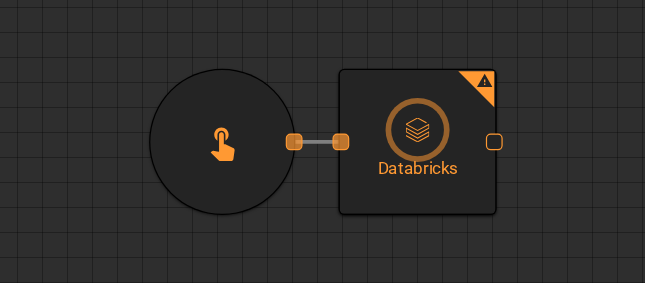
The Databricks worker queries a Databricks table and returns the results to the workflow. Use it to pull data directly from your Databricks lakehouse without leaving the platform.
Parameters
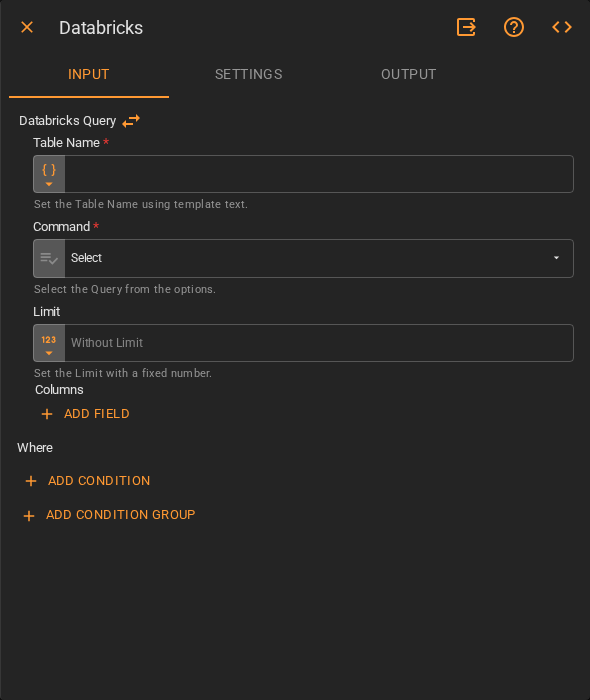
Input
| Field | Description |
|---|---|
| Table Name | The table to query. Accepts Template Text or Upstream Data |
| Command | The SQL operation to execute. Accepts Fixed Select. Default is Select |
| Limit | Maximum number of rows to return. Accepts Fixed Number. Default is no limit |
| Columns | Columns to include in the result. Click Add Field to specify individual columns. Leave empty to return all columns |
| Where | Filter conditions for the query. Click Add Condition to add a condition or Add Condition Group to combine conditions with AND/OR logic |
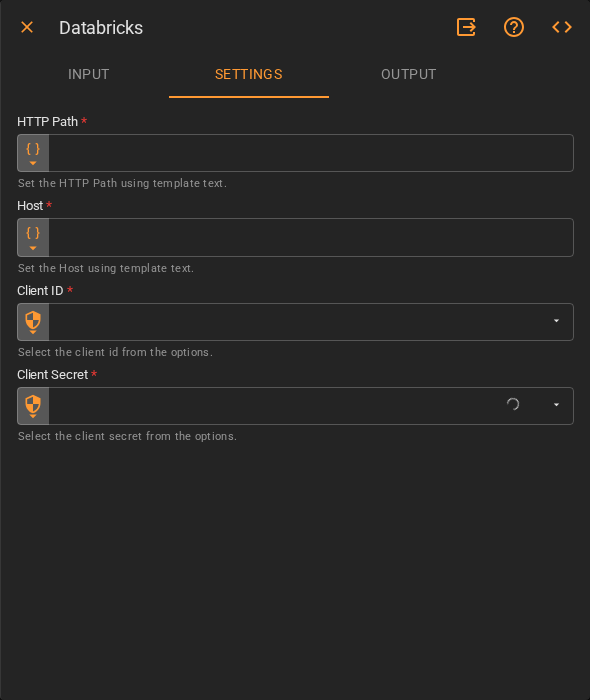
Settings
| Field | Description |
|---|---|
| HTTP Path | The HTTP path of the Databricks SQL warehouse or cluster. Accepts Template Text or Upstream Data |
| Host | The Databricks workspace hostname. Accepts Template Text or Upstream Data |
| Client ID | OAuth client ID for authentication. Accepts a stored secret from the platform's credential vault |
| Client Secret | OAuth client secret for authentication. Accepts a stored secret from the platform's credential vault |
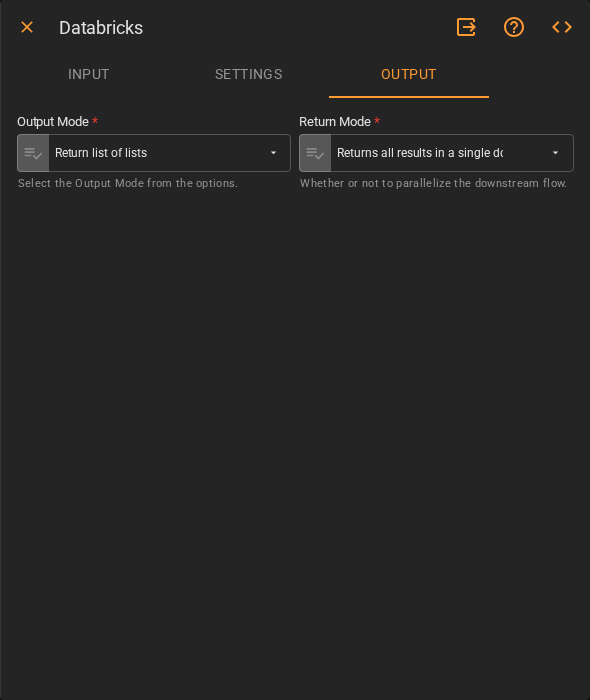
Output
| Field | Description |
|---|---|
| Output Mode | Format of the returned data. Accepts Fixed Select. Default is Return list of lists |
| Return Mode | Whether to return all results at once or parallelize downstream execution. Accepts Fixed Select |
Result
Once the worker finishes successfully, it returns the query results.
- Results (list of lists)