Gen AI
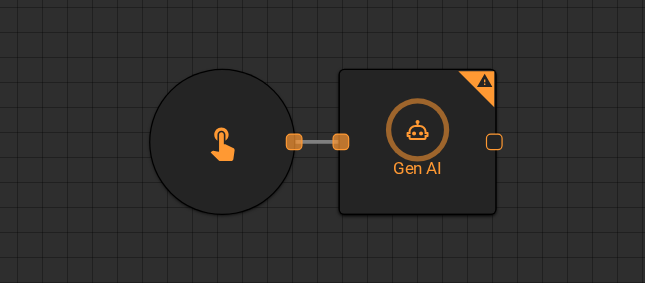
The Gen AI worker sends a prompt to a large language model and returns the generated text to the workflow. Use it to summarize data, draft content, classify text, or produce any AI-generated output based on upstream worker results.
Parameters
Input
| Field | Description |
|---|---|
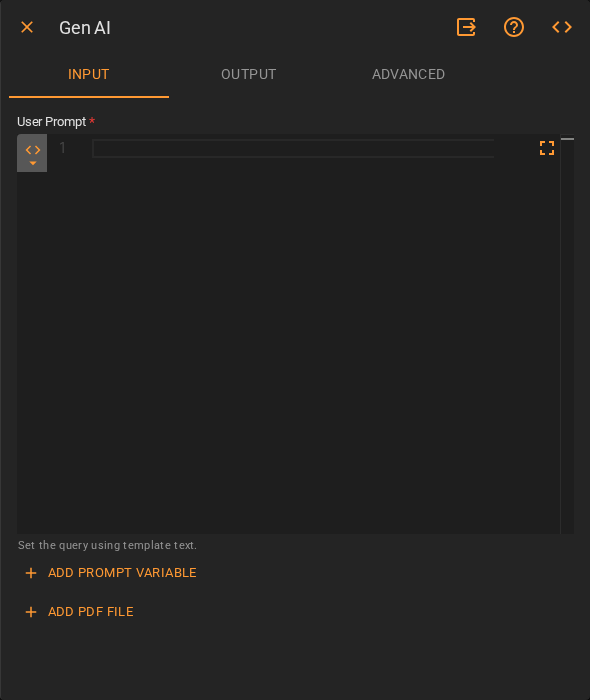
| User Prompt | The instruction or query sent to the model. Accepts Template Text or Upstream Data. Use Add Prompt Variable to inject upstream values into the prompt, or Add PDF File to attach a PDF as context |
Output
| Field | Description |
|---|---|
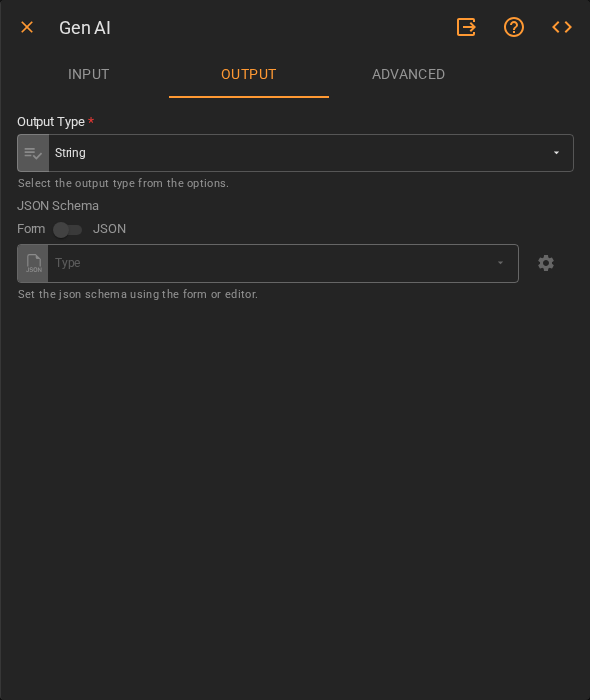
| Output Type | The data type the worker returns. Accepts Fixed Value. Defaults to String |
| JSON Schema | Optional schema for structured output. Define field types using the Form or JSON editor. Only applies when Output Type is not String |
Advanced
| Field | Description |
|---|---|
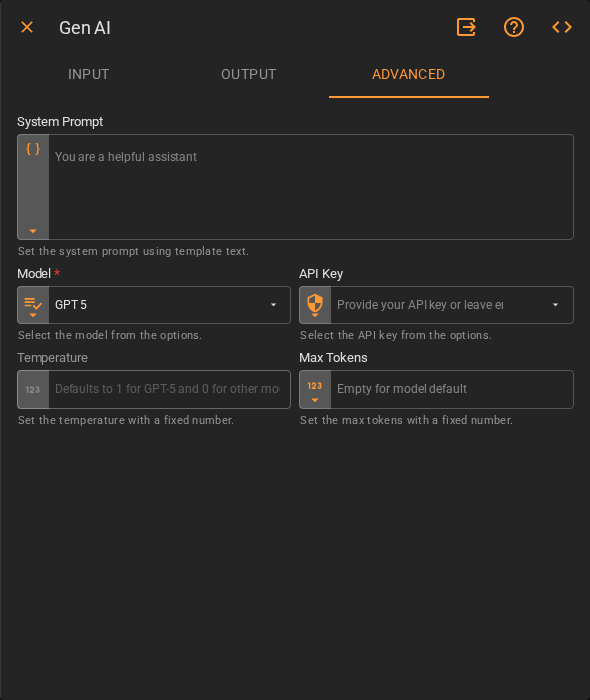
| System Prompt | System-level instructions that shape the model's behavior. Accepts Template Text. Defaults to You are a helpful assistant |
| Model | The LLM to use for generation. Accepts Fixed Value. Defaults to GPT 5 |
| API Key | The API key to authenticate with the model provider. Accepts Fixed Value. Leave empty to use the workspace default |
| Temperature | Controls the randomness of the model's output. Accepts Fixed Number. Defaults to 1 for GPT-5, 0 for other models |
| Max Tokens | Maximum number of tokens the model may generate. Accepts Fixed Number. Leave empty to use the model default |
Result
Once the worker finishes successfully, it returns the model's generated text to the workflow.
- Result (string)