For Developers
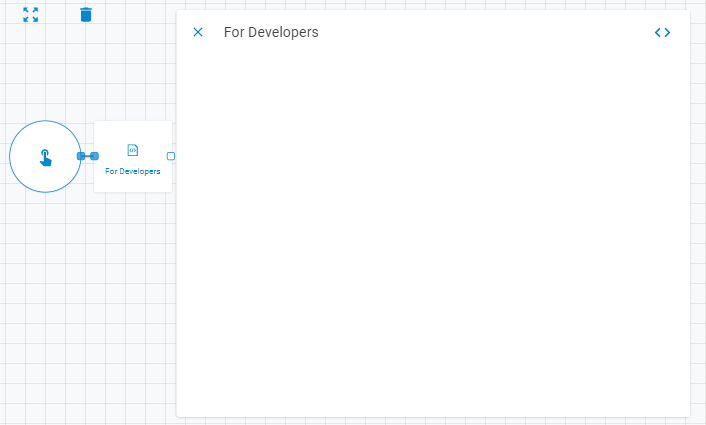
The For Developers worker allows users to create fully customized workers using Python. It has no fixed parameters — all inputs, outputs, and logic are defined through the built-in code editor.
Parameters
The For Developers worker has no predefined parameters. Use the Add Line button to add data lines, and click the code editor button (<>) in the panel header to access the full customization interface.

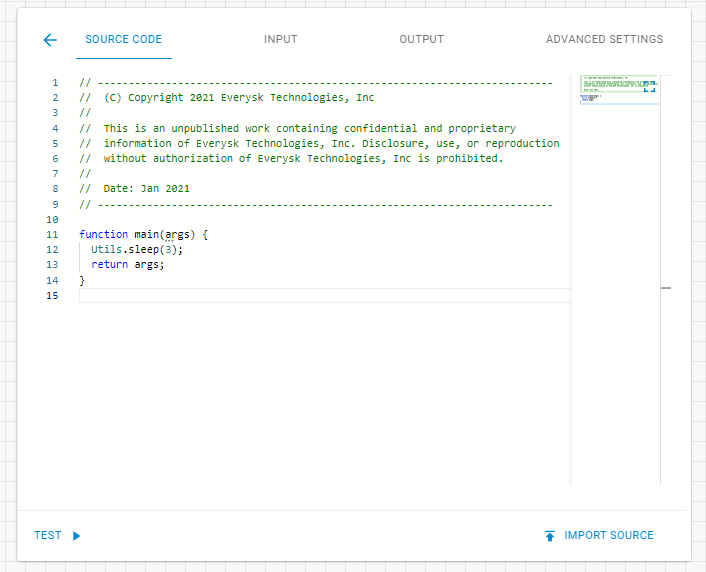
The code editor provides four sections:
| Section | Description |
|---|---|
| Source Code | Write the worker logic in Python. The entry point is a main(args) function that receives upstream data and returns the result |
| Input | Define custom input fields that appear in the worker panel |
| Output | Define result objects returned downstream |
| Advanced Settings | Set the worker type: Basic, Forker, Barrier, or Conditional |
You can check the Developers Section article to learn more about worker customization.
Result
Returns whatever output objects are defined in the worker's Output configuration. You can check the Output Types article to learn more about result object types.