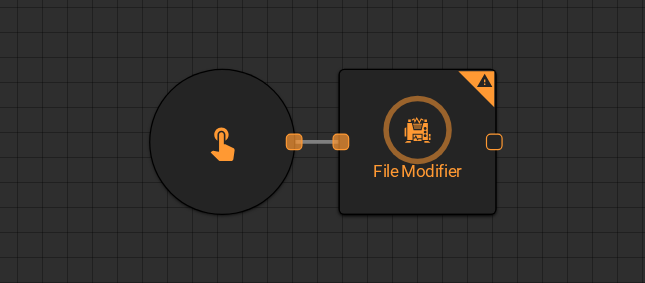
File Modifier
The File Modifier worker takes an existing file from the platform and returns a modified copy with overwritten attributes. Use it to rename, retag, redate, or replace the content of a file without creating a separate worker chain.
Parameters
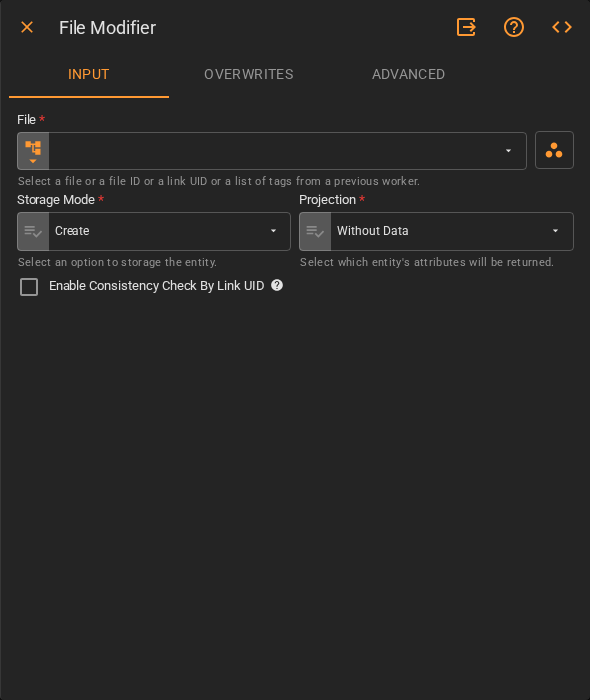
Input
| Field | Description |
|---|---|
| File | The file to modify. Accepts Fixed File, Get Latest, Get List, or Upstream Data |
| Storage Mode | How the result is persisted. Options: Transient (current run only), Create (saved to platform) |
| Projection | Which attributes of the file entity to return downstream. Accepts Fixed Select. Default is Without Data |
| Enable Consistency Check By Link UID | Whether to check for an existing file with the same Link UID before saving. Accepts Boolean |
Overwrites
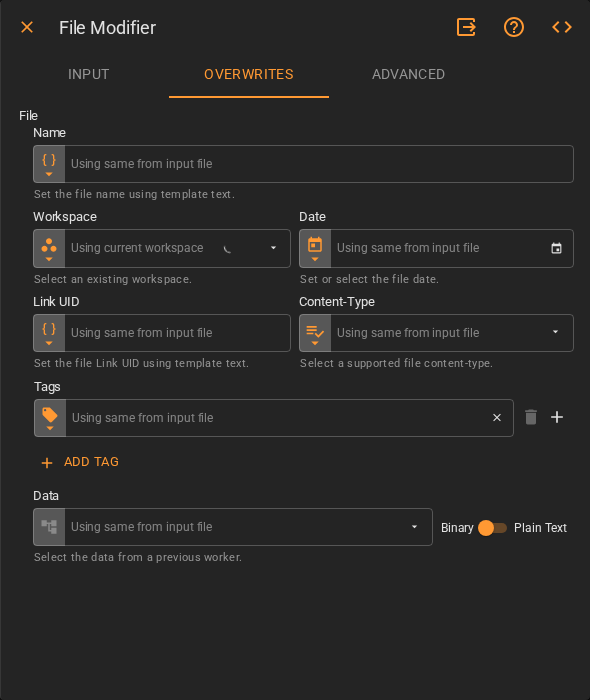
Fields left at their default inherit the value from the input file. Set a field only when you want to override it.
| Field | Description |
|---|---|
| Name | New name for the file. Accepts Template Text or Upstream Data |
| Workspace | Workspace where the output file will be saved. Accepts Fixed Workspace |
| Date | New date for the file. Accepts Fixed Date or Upstream Data |
| Link UID | New Link UID for the file. Accepts Template Text or Upstream Data |
| Content-Type | New MIME type for the file. Accepts Fixed Select |
| Tags | New tags for the file. Accepts Fixed Tags or Upstream Data |
| Data | New content for the file. Accepts Upstream Data. Toggle between Binary and Plain Text mode |
Advanced
| Field | Description |
|---|---|
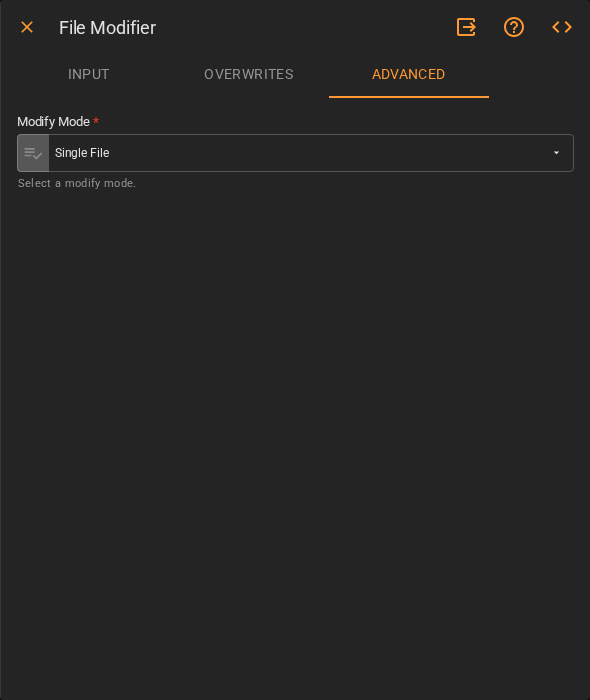
| Modify Mode | How the worker handles the input when it is a list of files. Accepts Fixed Select. Default is Single File |
Result
Once the worker finishes successfully, it returns the modified file.
- File (file)
- ID (string)
- Name (string)
- Date (date)
- Tags (list of strings)
- Content-Type (string)