MCP Client
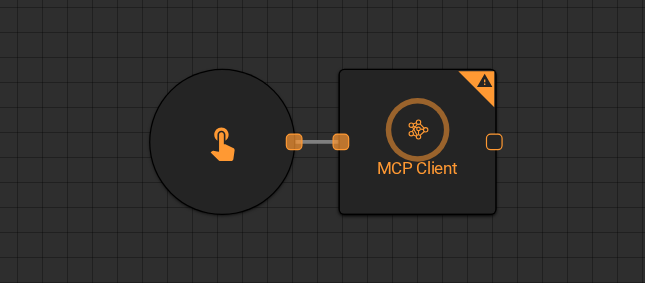
The MCP Client worker connects to an external AI model using the Model Context Protocol (MCP), sends a prompt, and returns the model's response. Use it to route workflow prompts through a specific model and API key combination, or to integrate with MCP-compatible services outside the Everysk platform.
Parameters
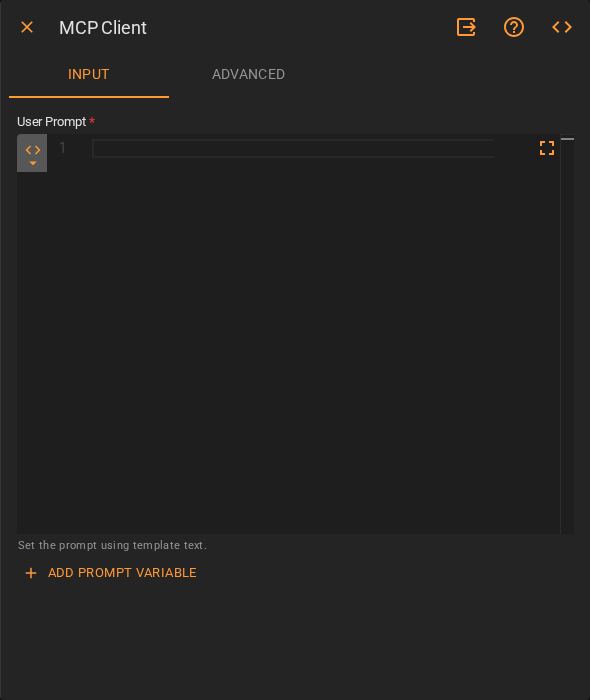
Input
| Field | Description |
|---|---|
| User Prompt | The prompt sent to the model. Accepts Template Text or Upstream Data. Use Add Prompt Variable to inject upstream values |
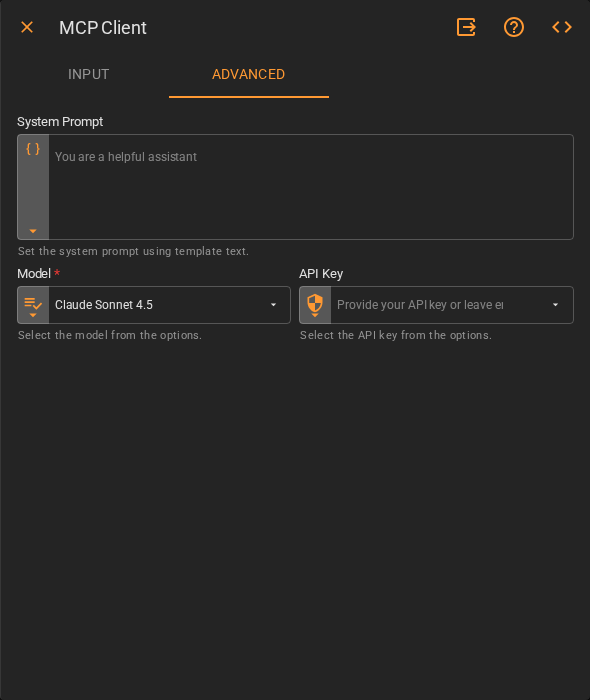
Advanced
| Field | Description |
|---|---|
| System Prompt | System-level instructions that shape the model's behavior. Accepts Template Text. Defaults to You are a helpful assistant |
| Model | The MCP-compatible model to use. Accepts Fixed Value. Defaults to Claude Sonnet 4.5 |
| API Key | The API key to authenticate with the model provider. Accepts Fixed Value. Leave empty to use the workspace default |
Result
Once the worker finishes successfully, it returns the model's response to the workflow.
- Result (string)