Sharing Reports
Share a report
Your reports can be found under the "Reports" section on your platform. Select the desired report, hit "share" at the top of the screen.
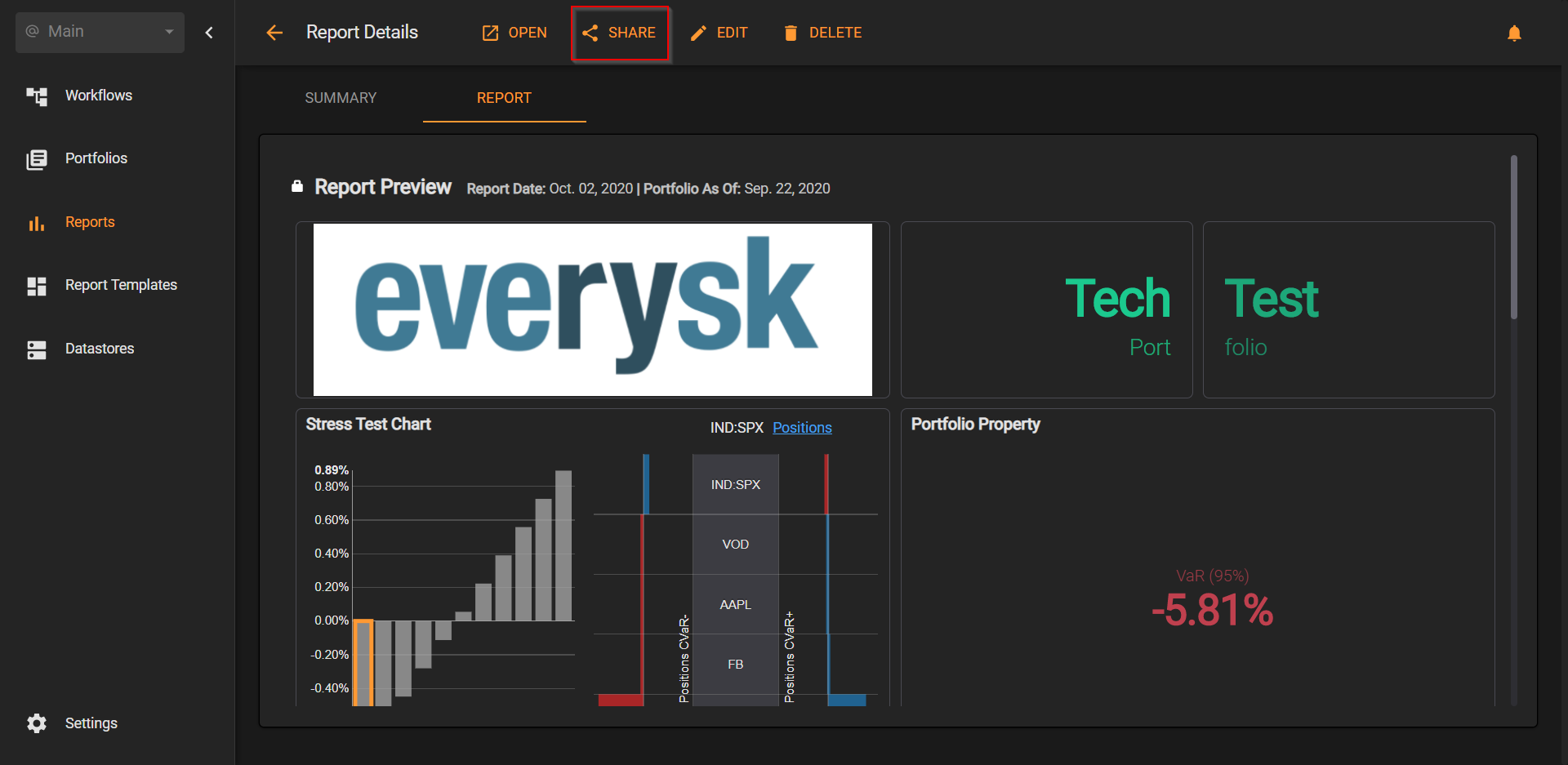
You can now send an email with the report link or create/copy a secure link to the report.
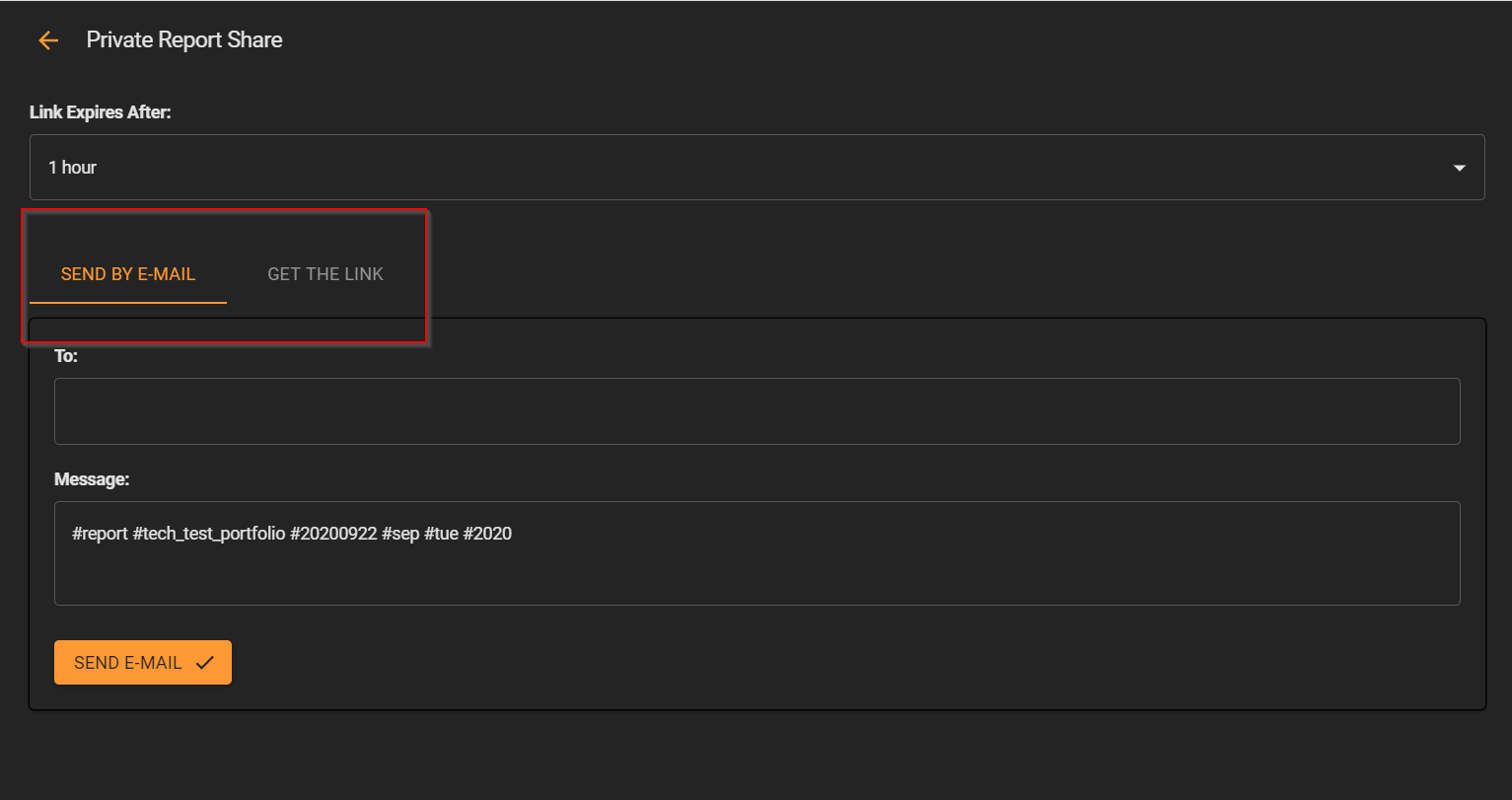
Share a private report securely
In the Reports tab, drag the Report from the left panel and drop it in the central panel. In the right panel, you will see the options below:
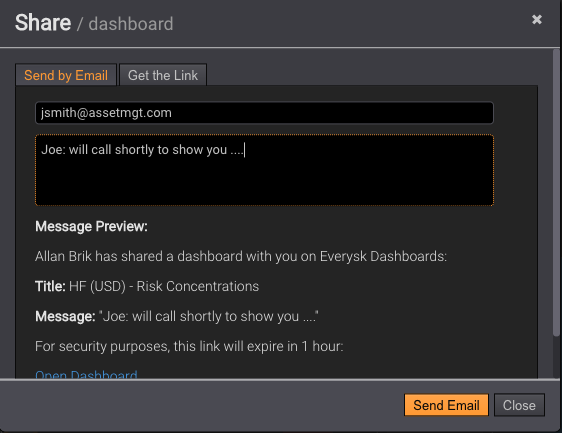
By default, all Reports are private. Click on Share Report and the interface below will appear:
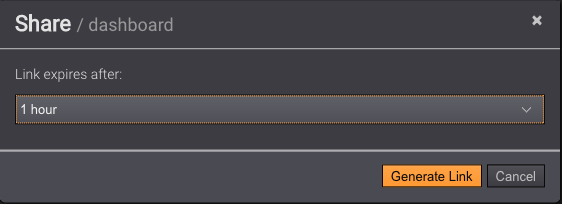
You can specify the expiration for the encrypted url that will be shared, from 1 hour to 30 days. Then select the button Generate Link and the interface below will be available:
Specify an email address and a note and a fully functional encrypted Report will be sent.
Revoke public access to a report
To revoke public access, simply drag the desired Report from the left panel to the central panel in Reports tab.
Tip: to find easily all the public Reports, use #Public in the Report search field:
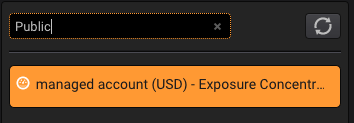
Then, in the right panel, click in the Public Report selection:
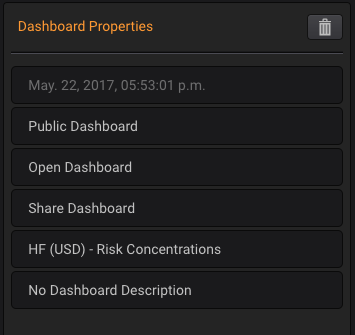
This will open a toggle that can be switched to Private:
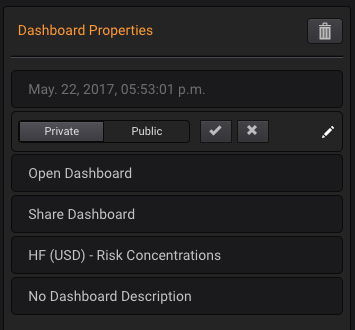
The Report will not be accessible any longer, even if it has been embedded.
Embed individual widgets
Follow the same steps to share a report. When you share it, the tabs will also contain HTML code for each widget:
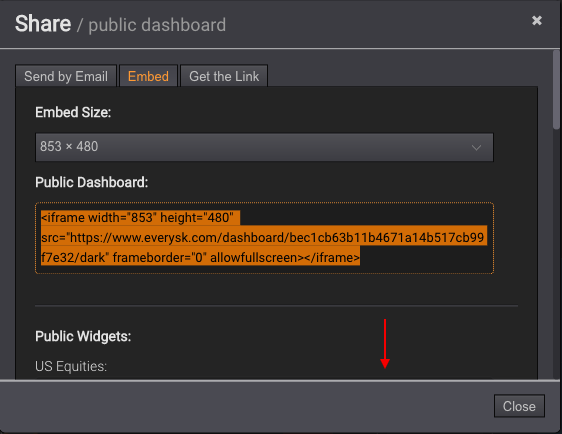
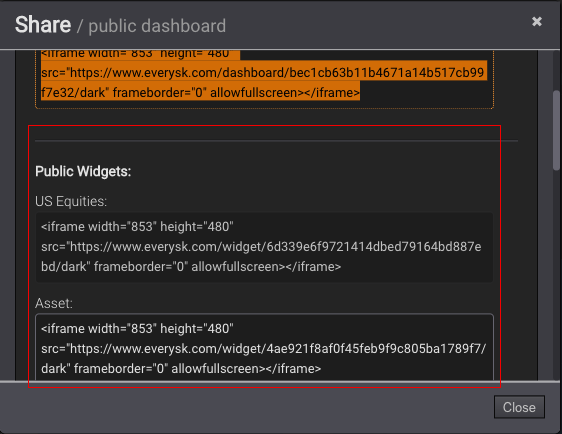
The first code snippet is for the whole report, but if you scroll down each widget is also published. The order in the report is from top-down, left to right:
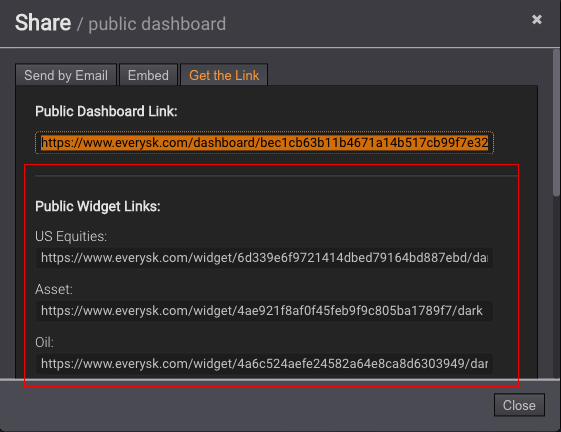
Links to each individual widget are also found if you scroll down in the Get the Link tab:
Export as PDF or CSV
Everysk reports are set up as interactive dashboards, allowing users to drill down into their portfolio analytics on the fly. You can either share the report as a whole via link or export individual widgets.
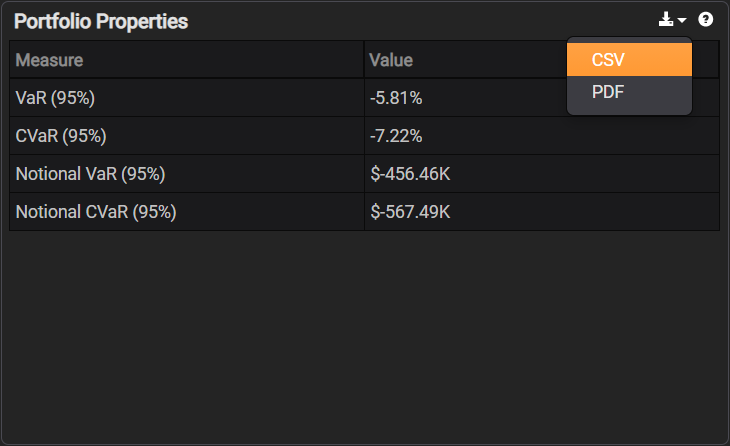
The individual table widgets are exportable to CSV or can be printed as a PDF. Hover your mouse over the title bar as seen below, select the download icon, and you will see a menu of CSV or PDF.