Managing Reports
Search for reports
1) Finding Reports by names:
In Reports tab, use the search engine located on the top of the left panel to type the name of the Report you are looking for.
2) Finding Reports by dates:
In Reports tab, use the search engine located on top of the left panel:
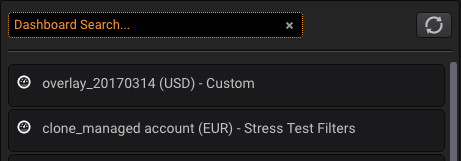
Type a date in the format: #YYYY to find all the Reports created during a year, use #YYYYMM to find all the Reports created on a specific month and #YYYYMMDD for all the Reports from a date:
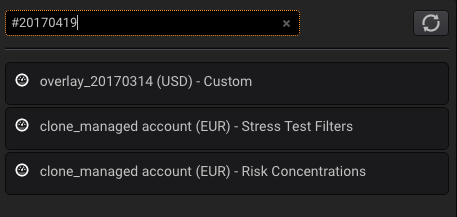
Only the Reports created on that date will be shown.
Delete a report
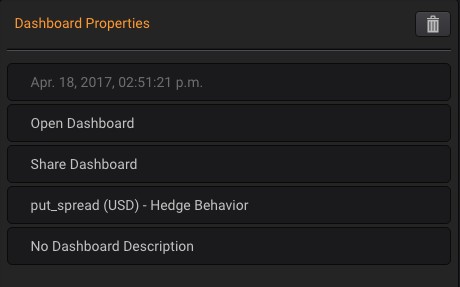
In Reports tab, drag the Report you want to delete from the left panel and drop it in the central panel.
Then, in the right panel click on the trash icon in the upper right corner.